What IDOC Mugshots Search Returns
The Iowa Department of Corrections oversees state prison custody and much of Iowa's community supervision. Its offender locator answers a statewide question. It shows who is in state custody or under supervision. It is not a live arrest feed. A county roster fills that local role. A booking happens at the jail right after arrest. Someone can be booked and released the same day without ever reaching a prison. Others listed by IDOC sit on parole or probation. That supervision continues after a prison term.
People type "IDOC mugshots" expecting a photo next to every result. The public search shows none. Iowa Code section 904.602 spells out what counts as public information. The list covers name, age, sex, status, location, supervision duration, offenses, county of commitment, arrest and detention orders, physical description, service type, and specified discipline. Photographs are not on that list. That does not mean IDOC holds no images in its files. It means the public locator does not display them.
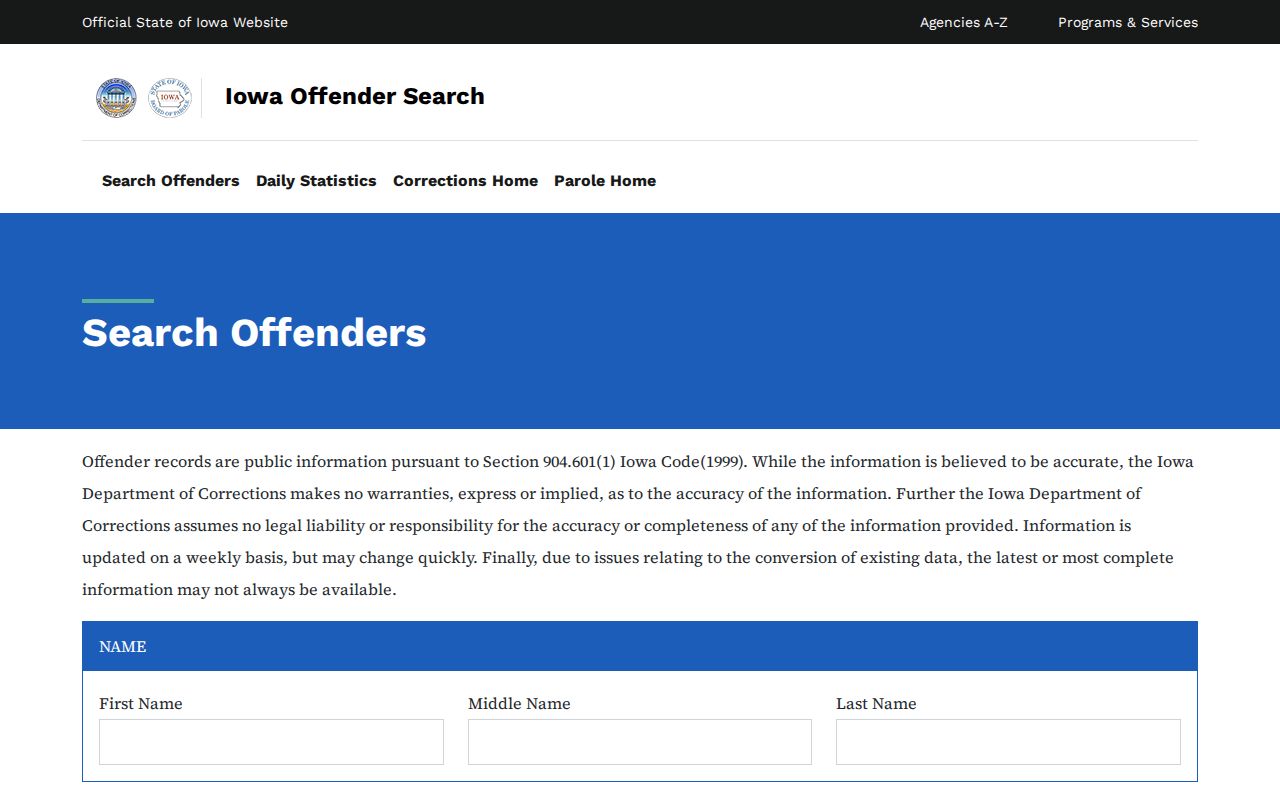
Start with the IDOC offender search for any state custody question. Data updates weekly, so treat fresh or changed results with care. The search screen offers fields and an update notice, not booking photos. A county roster and a court docket answer different questions. Mixing them up leads to wrong conclusions about what a record actually says.
Search IDOC Offender Records
For anyone in Iowa state custody or covered supervision, the official IDOC locator comes first. Enter a last name to begin. Add a first or middle name, or an offender number, to narrow things down. The name-match setting may offer starts-with, exact, or sounds-like behavior depending on the screen. IDOC publishes no fixed ID format. There is no minimum letter count. There is no universal match rule. A blank result calls for a wider, more patient search. It is not proof that no record exists.
- Enter the person's last name. Add first or middle name, or the offender number if available.
- Use sex, location, offense, or county of commitment only when the field meaning fits the question.
- Review the results and compare name, age, sex, offender number, status, and location before opening a profile.
- Read the profile's current status, location, commitment and offense entries, and supervision or discharge dates.
- Note the date searched and the weekly update warning. Recheck the official record if timing matters.
The county of commitment connects to case history. It may not match where an arrest happened or where the person sits now. Read "location" and "status" straight from the profile itself. Records shift fast, and conversion issues can hide fields on some pages. Shared names are common. Lean on the offender number and other listed details rather than the name alone.
Fields in the IDOC Search
The locator accepts several kinds of search terms. A name search shrinks further with extra name parts. The name-match setting on the current screen narrows it as well. Other filters describe status or record history. They are not all paths to a recent county booking. Start with a name and add only the filters that fit the question.
| Search field | What it helps locate | Use with care |
|---|---|---|
| First, middle, last name | A person by name, with matching choices that may include starts-with, matches, or sounds-like. | Names can be shared or entered in different forms. Compare other profile details. |
| Offender number | A record tied to the IDOC number supplied by the searcher. | Use the number as shown on an official record. Public materials do not specify ID format rules. |
| Sex | A result filter that may help narrow a name search. | It is one identifying field, not proof by itself that a result is the right person. |
| Location | A location or custody-related search choice. | Read the profile's current location and status. Do not treat a county field as a facility. |
| Offense | Commitment or offense information associated with an IDOC record. | It is not a county booking feed or a final court disposition by itself. |
| County of commitment | The county tied to the commitment history in the record. | It may differ from the place of a later arrest or current custody. |
Name-match choices depend on the search screen in use. A filtered search that comes back empty deserves a second try with the filter removed. County of commitment does not name the current facility holder, and a location choice tells you nothing about the arresting agency. Confirm status and location on the profile itself.
Read an IDOC Offender Profile
A search result is only a doorway. Open the matching profile and work through it. Check the status, location, commitment or offense entries, and any dates listed. Result rows and profiles may carry identifiers, age, sex, supervision or discharge details, and board or recall notes. The exact fields depend on the record and on what the interface displays.
| Profile item | What it can tell you | Limit |
|---|---|---|
| Name, age, sex, offender number | Identity details to compare across results. | Check more than one field before treating a match as certain. |
| Status and location | Whether the record identifies an inmate, parolee, probationer, or another listed status, and the location shown. | It is not a county booking timeline. The public location field has a home-street-address limit. |
| Offense and county of commitment | Commitment and offense information carried in the state record. | It does not replace the docket for the current case outcome. |
| Supervision, discharge, and related dates | Dates associated with supervision or discharge, where displayed. | Use the agency's update notice; do not infer an exact change time. |
| Orders, physical description, service, discipline | Information within the public categories described by Iowa Code section 904.602. | The statute's public-information list does not enumerate a photograph. |
No profile here is an image record. Before contacting IDOC, save the offender number. Save the access date and the field labels you saw. The statute lists categories of public information, yet no single profile shows every item. For case outcomes, turn to the court docket. An offense label is not a final disposition.
IDOC Photos, Updates, and Absence
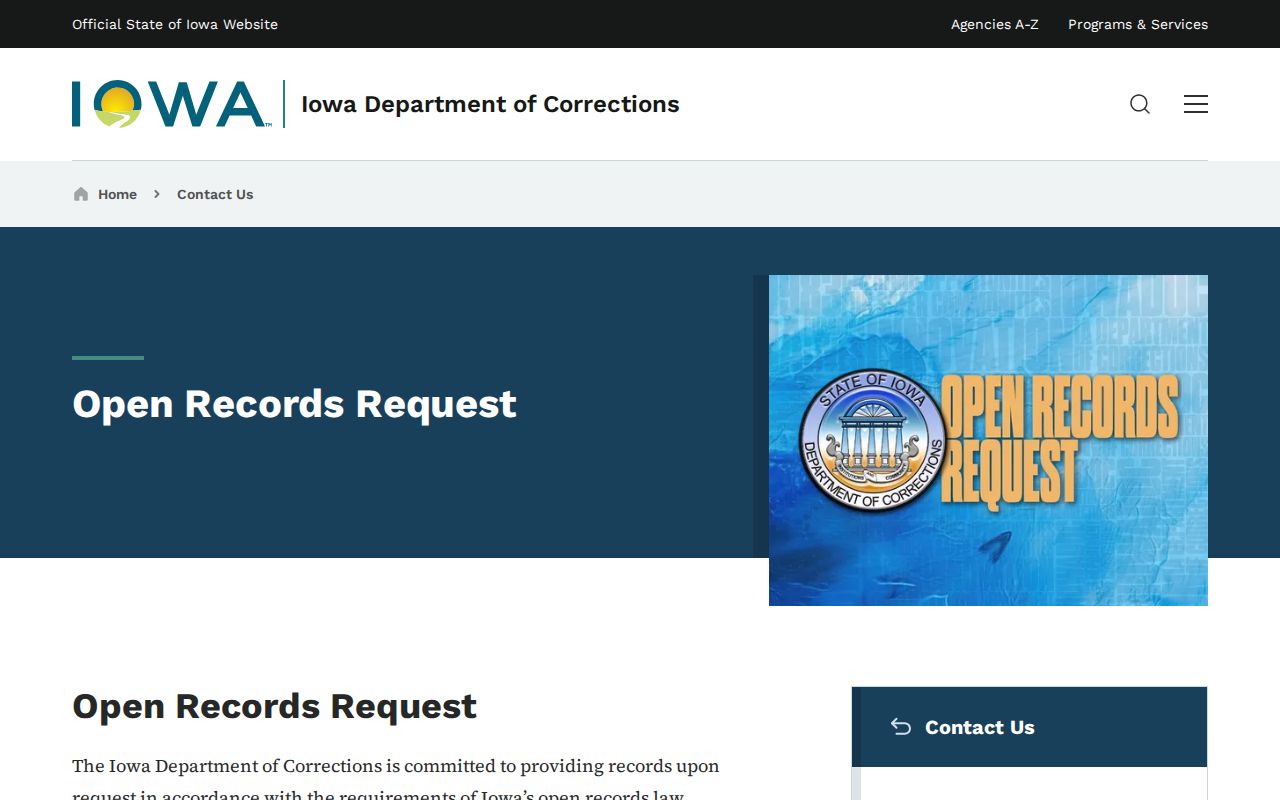
IDOC search results do not show an offender photo in every profile. Some profiles simply have none. The agency also publishes no fixed schedule for refreshing images. A weekly notice about search data covers the locator as a whole. It does not promise that a picture, a facility transfer, or a status field will change on any given day. When the screen shows no photo, that means one thing. No photo appeared in that public view. This holds for older profiles and new ones alike. An image can sit in an agency file without surfacing in search results. It may never have existed. It may not be releasable. The public materials do not say which case applies to any person. For a photo, make a narrow request for the existing item. Ask IDOC to name the custodian. Request the date or type of image, and state any basis for withholding or redaction. The IDOC open-records page spells out the public request route and what section 904.602 makes available.
A photo field on some county roster is not IDOC policy. Each county jail runs its own booking system online. A county image reflects a local intake event. The state locator tracks a different custody layer entirely. So an absence in one system says nothing about what the other system holds.
Former Offenders and Missing Records
IDOC's request page directly covers records on a current or previously incarcerated person or client. A former offender can stay visible in a retained search record. Parole, probation, work release, discharge, or another status may still remain in the system. Release does not keep a person searchable forever. A blank result does not prove absence. It does not, by itself, show the person was never in IDOC custody.
Old files carry their own limits. Policy AD-CR-01 governs released files. It directs files from before August 1, 2012 to an Iowa Medical and Classification Center repository. For someone discharged twenty years or deceased, the policy describes keeping or imaging selected material, photographs included when available. Other items may be destroyed. That description matters. This is a retention path, not a promise that an old image survives or stays public.
For historical work, give the agency the full name. Add the offender number if known. Include a date range, the facility, and the specific records you want. Ask whether the series was retained, transferred, or destroyed. A vanished search result and a file that moved are different outcomes. A photo never in the series is a third. The IDOC AD-CR-01 policy lays out the older-file route and retention terms. The request response tells you what actually happened to a given record.
Request IDOC Records or Photos
Iowa Code chapter 22 governs the request. File through Iowa Open Records or use the custodian route on the IDOC open-records page. A strong request names the person, describes the existing item, and states a time range. IDOC will not create a new record or analyze information for you. Ask for an electronic copy when it fits. Request a cost estimate before chargeable work and the legal basis for any redaction, meaning removal of protected details, or denial.
- Give the person's full name and offender number, if known. Add the facility and date range that identify the record.
- Name each record requested, such as a status record, supervision or discharge entry, or a specific existing photograph.
- For a photo, ask whether that exact image exists, its date or type, which office holds it, and whether it can be released.
- Request an electronic copy and a written estimate before staff time, review, or copying charges begin.
- If material is withheld, ask which part is withheld and the specific legal basis, including whether other portions can be released.
The first 30 minutes of staff time are free, per the request page. Beyond that, staff labor and attorney review may be charged. Paper copies, postage, or media may also be charged. Above a stated threshold, an estimate and prepayment may be required. IDOC describes ordinary responses as targeted within ten business days. Confidential-record review can push that to twenty calendar days. Those are posted terms, not a promise that every request lands on the same schedule. Check the live page before filing. Fees and process details can change.
A focused photo request can ask IDOC to search for any existing photograph tied to the named person. Include the supplied offender number and the stated date range or named facility. Request the image date or type, the custodian, release status, withholding basis, and an estimate. A county intake photo is not an IDOC-held record. If that is the image you want, contact the arresting or county booking agency separately.
IDOC, County, Court, and Federal Records
One person can leave records at several agencies. Arrest, booking, custody, and court action are separate events. The arresting department keeps the incident report. The county jail operator holds booking and detention records. IDOC records cover state correctional custody and the supervision it oversees, while the court clerk keeps the filed case and its disposition. Start with the office that made the record. Then use the next source for the next question.
| Record source | Question it answers | What it does not replace |
|---|---|---|
| County jail roster or records office | Who is booked or held locally, and what county intake record may be available. | IDOC status or a final court outcome. |
| IDOC offender search | Whether a state custody or covered supervision profile appears, with its listed status and history. | A fresh county arrest list or a public photo archive. |
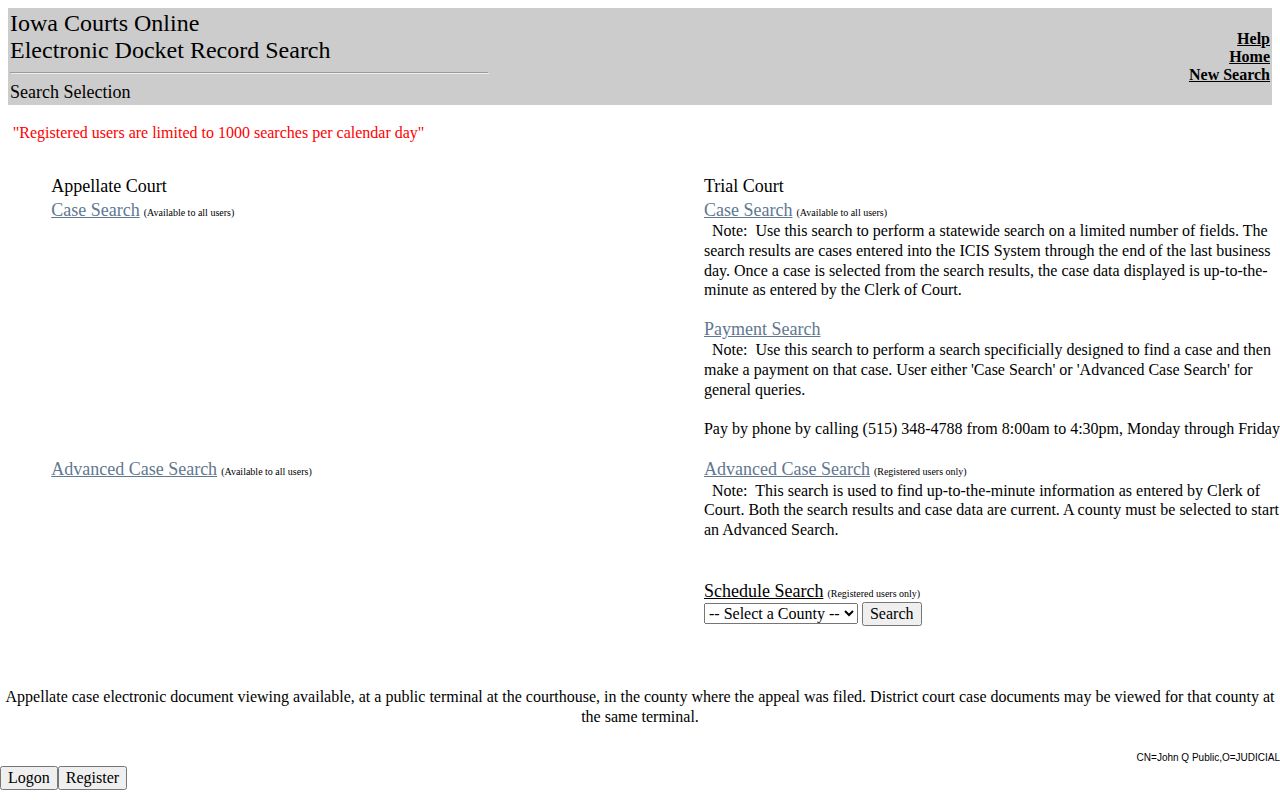
| Iowa Courts Online | Case number, docket entries, charges filed, and disposition information shown online. | The original county booking record or the complete clerk file. |
| Bureau of Prisons or ICE locator | Federal prison custody, or immigration detention, within each locator's scope. | State or county custody, local booking photos, or a state court disposition. |
| VINE notification service | Custody status changes and notifications where the person is covered. | A historical booking-photo search or the court's case record. |
A booking vanishes from a county roster once the person is released or transferred. That tells you nothing about IDOC. An IDOC record can reflect parole or probation instead. It may sit apart from any fresh county arrest entirely.
Start with the county side. Court status comes later. Pick the right one through the Iowa County Directory, then follow that sheriff or jail's own roster instructions. Search Iowa Courts Online by name or case number. Fresh filings take roughly one business day to surface. Details shift as the clerk enters them. Treat the public search as a window, not the case file itself. Some papers stay confidential or sit only at the clerk's counter or a courthouse terminal. The entry screen is the official gateway for statewide docket searches. A docket logs procedural events. It does not display a booking image.
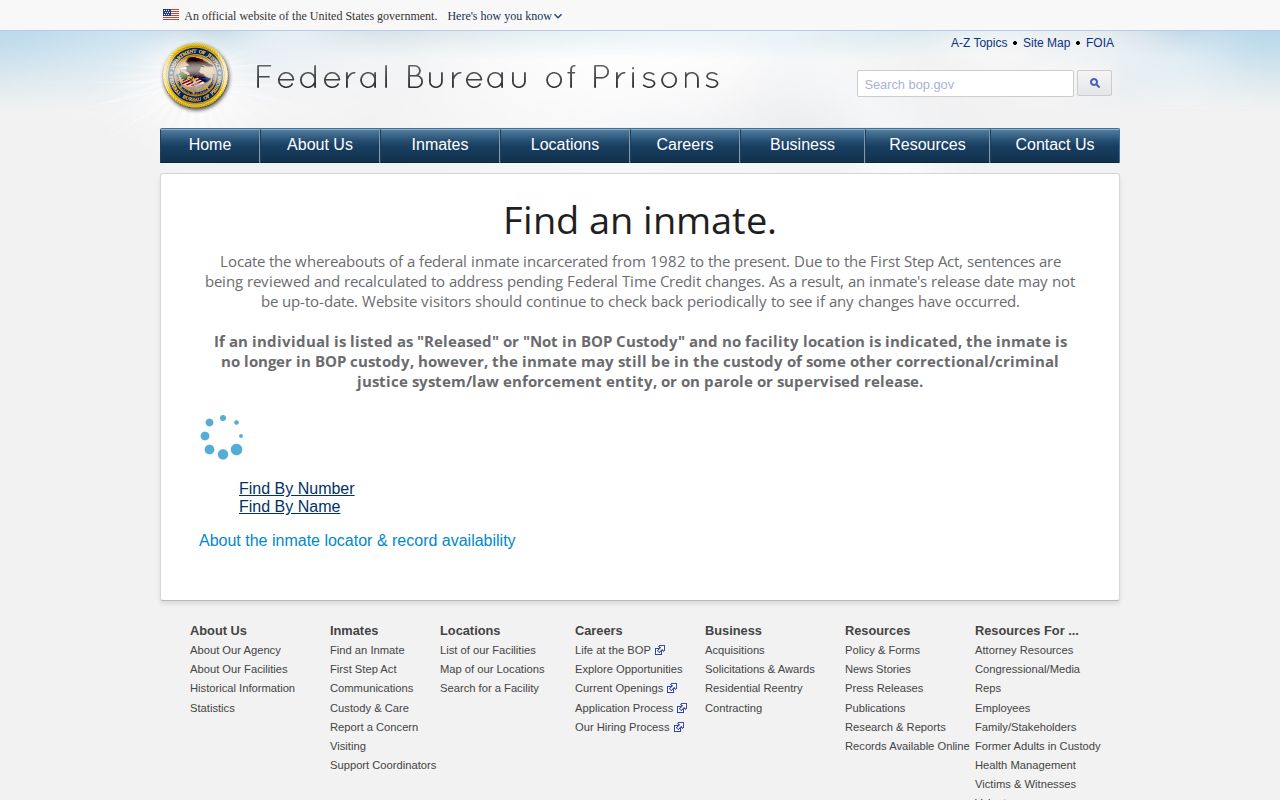
Two federal lookups sit apart from anything the Iowa IDOC runs. The Federal Bureau of Prisons locator handles federal prison custody. The ICE detainee locator covers immigration detention. Neither posts photos. Both work as custody checks only, not as a route to a county booking image. The BOP tool remains the official lookup for federal custody records.
IowaVINE sends custody alerts. It is not a photo archive. For release notices and custody changes, the IDOC victim-services VINE page lays out the state notification route. When someone is missing from the expected system, contact the custodian with identifiers and a date range instead of reading anything into the gap.